






Is email scheduling slowing you down?
Education organizations coordinate appointments across students, parents, teachers, advisors and staff. Relying on email to find suitable times creates unnecessary back-and-forth and makes it harder to keep everyone on schedule.
You end up with:
Too much back-and-forth
Finding a suitable time can mean endless emails between different people. Teams lose valuable time coordinating appointments instead of focusing on teaching, administration and support.
Limited access
People can struggle to find when the right person is available, making it harder to arrange meetings, sessions or support when they need it.
Disconnected scheduling
Different departments and services can manage appointments in different ways, making it difficult to keep scheduling consistent across the organization.
Missed appointments
People can forget upcoming appointments or lose track of meeting details. No-shows waste staff time and leave valuable appointment slots unused.
Warmcal solves the education scheduling problem
Managing time between students, parents, educators and staff is one thing, but education teams also need an easier way to make appointments accessible and keep everyone on schedule. Warmcal brings booking and scheduling together so your team can spend less time coordinating and more time supporting students.
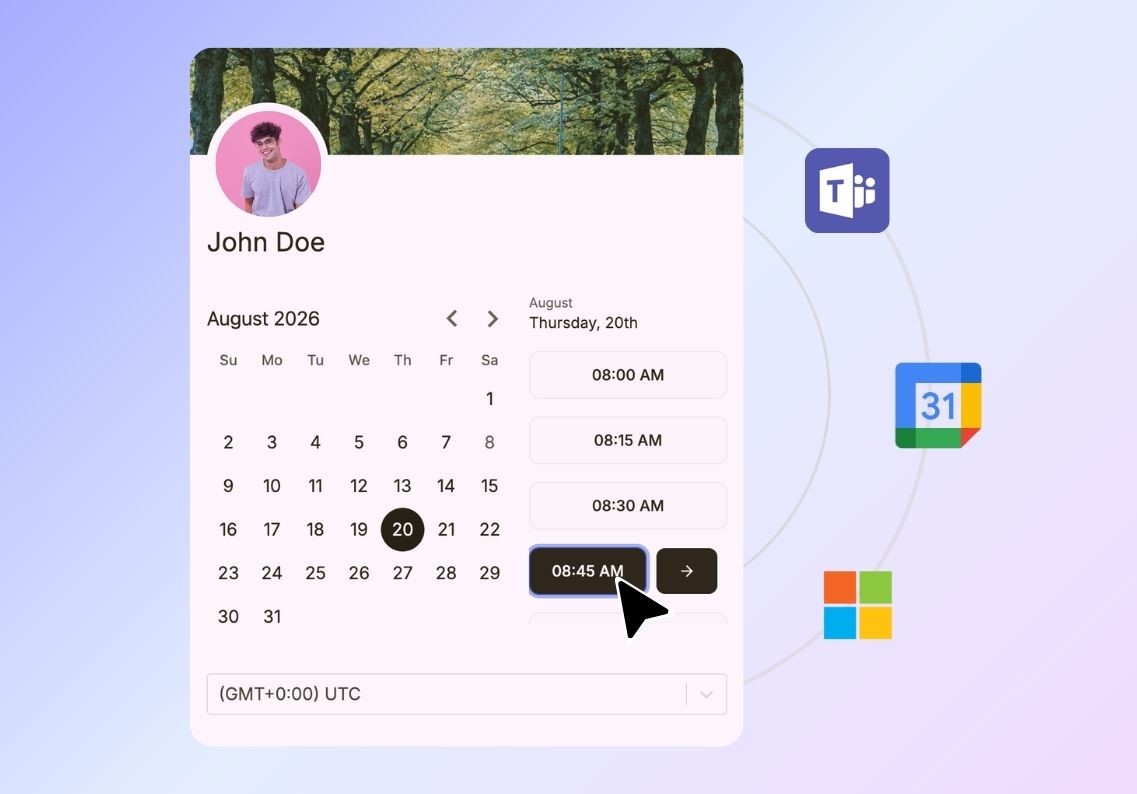
Set clear availability
Set when appointments can be booked based on working hours, schedules and existing commitments. Keep availability up to date so bookings only come in when your team is ready.
Create a professional booking page
Customize your booking page with your organization's branding, images, videos and other content to provide clear information before an appointment is booked.
Keep calendars in sync
Connect Google or Microsoft calendars to show real availability, prevent double bookings and automatically update calendars when appointments are booked.
Connect your meeting tools
Connect Zoom, Google Meet or Microsoft Teams so meeting details are automatically created and shared when an appointment is booked.

Send automated reminders
Keep everyone informed with automated email confirmations and reminders before appointments, helping reduce missed meetings and last-minute cancellations.
Gather information before meetings
Ask questions during booking to collect the information you need before an appointment, so your team has the right context before the meeting begins.
Keep workloads manageable
Control how many appointments can be booked each day, week or month so your team can manage busy periods without taking on more meetings than they have capacity for.
Keep everyone informed
Add useful instructions, meeting details or next steps to your booking experience so people know what to expect before their appointment.

Route appointments automatically
Automatically direct bookings to the right team member based on your scheduling setup, helping distribute appointments and reduce manual coordination.
Track scheduling activity
See booking activity and meeting volumes to understand how your scheduling process is being used and identify where your team can improve.
Keep team availability in sync
Connect calendars across your team so availability stays up to date and appointments don't conflict with existing commitments.
Manage team access
Control which team members can access and manage scheduling so the right people can handle appointments without giving everyone access to everything.