






Is trying to find time slowing you down from actually teaching?
Finding a suitable time for every class can take more time than expected. As your schedule fills up, coordinating availability and bookings can become a distraction from the teaching itself.
You end up with:
Too much scheduling work
Finding suitable times and coordinating individual class bookings can take valuable time away from preparing lessons and actually teaching your students.
Generic booking experience
A basic booking page gives students little information about your class, teaching or what they can expect. The experience can feel disconnected before they even book.
Scheduling conflicts
Managing class bookings alongside your existing calendar can make it difficult to keep track of what's available and avoid students booking times that no longer work.
Unused availability
Open class slots can go unused when students cannot easily see your available times or find a session that fits their schedule.
Warmcal simplifies scheduling for online classes
Give students an easy way to book available sessions while keeping your schedule organized. Manage your availability, bookings and meeting details in one place so you can spend less time scheduling and more time teaching.
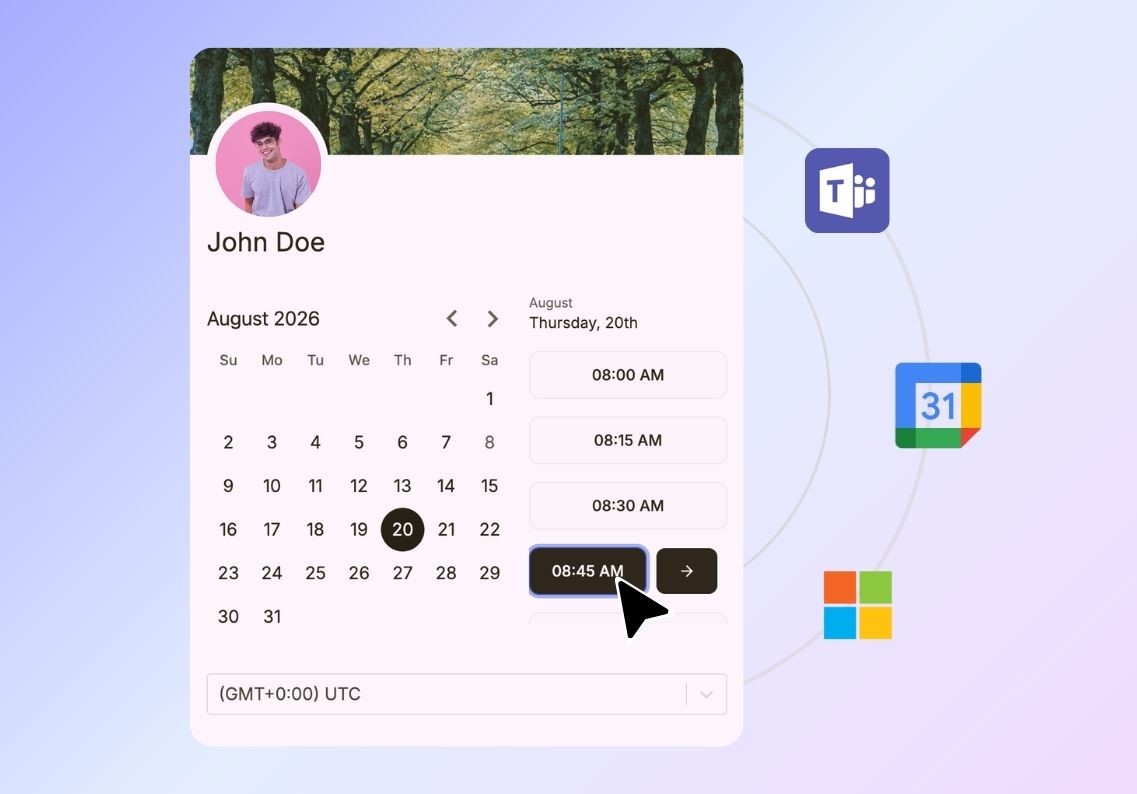
Set your class availability
Set the days and times when students can book your classes so your schedule reflects when you're ready to teach. Easily control when sessions are available while keeping your existing commitments and personal time protected.
Create a professional booking page
Add your branding, images, videos, documents and other content to create a professional booking experience that gives students useful information about your classes before they book.
Keep calendars in sync
Connect your Google or Microsoft calendar to show your real availability, prevent double bookings and automatically update your calendar when students book a class.
Connect your meeting tools
Connect Zoom, Google Meet or Microsoft Teams so the right meeting details are automatically created and shared when a student books a class.

Send automated confirmations & reminders
Keep students informed with automated confirmations and reminders before each class, helping reduce missed sessions and making sure they have the details they need.
Gather student information upfront
Ask questions when students book to collect useful information about their goals, experience or what they want to cover during the class.
Keep your teaching schedule manageable
Set daily, weekly or monthly booking limits so you can control how many classes are booked and protect enough time for preparation and other work.
Make time zones easier to manage
Automatically detect each student's time zone and show available class times in their local time, making it easier for students in different locations to book the right session.

Let students book wherever they find you
Add scheduling to your website, landing pages or learning platform so students can book classes where they're already looking for information about your sessions.
Track booking activity
See booking activity and meeting volumes to understand how students are using your scheduling experience and how your classes are performing.
Offer different class lengths
Give students flexibility to choose the session length that suits them, whether you offer shorter lessons, standard classes or longer sessions for more in-depth teaching.
Manage team access
Control which instructors or team members can access and manage scheduling so the right people can handle bookings without giving everyone access.